
 Join our Discord
Advanced Multijobs
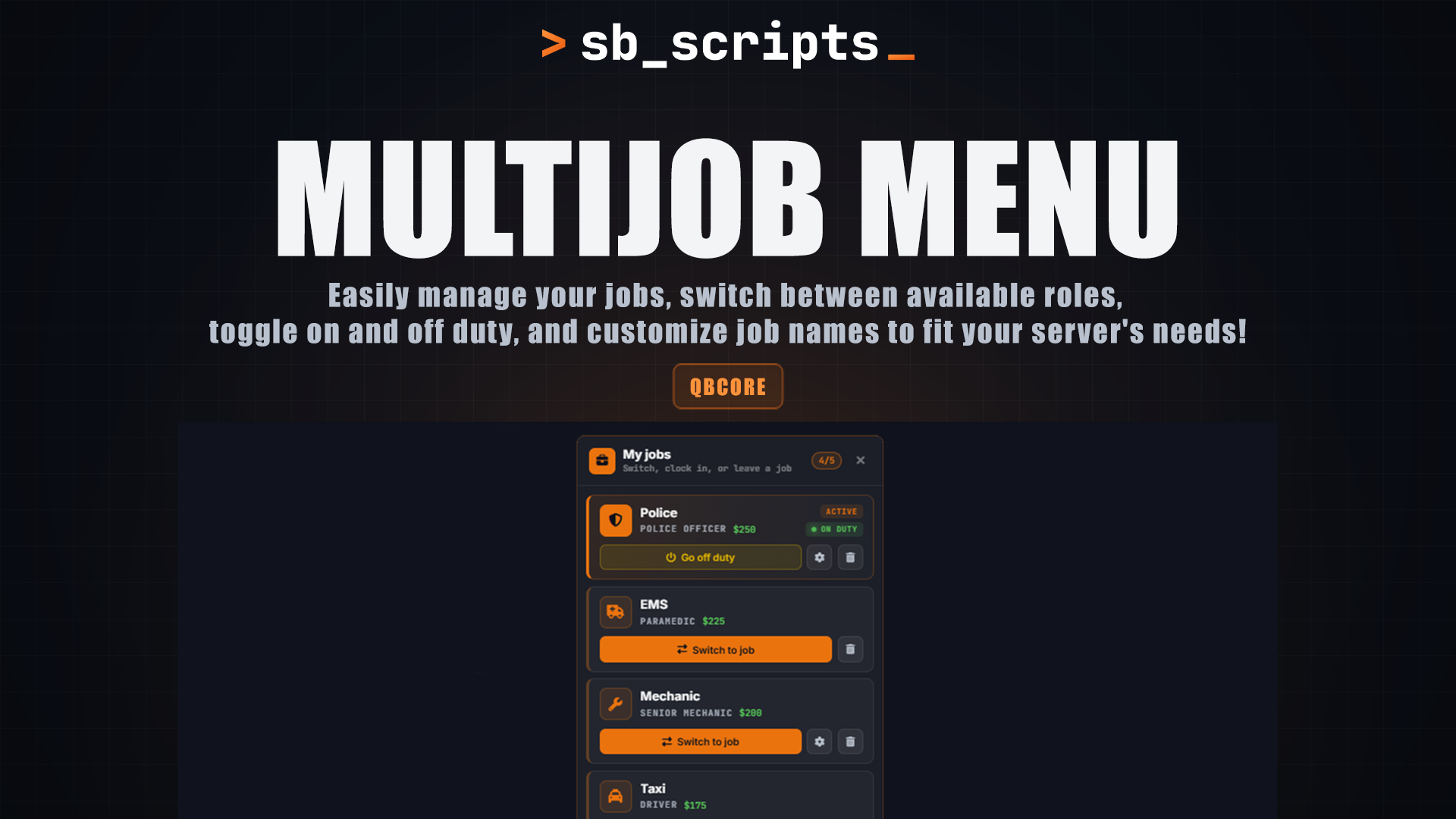
A complete multi-job menu for QBCore. Players can hold multiple jobs, switch between them and clock in or out from a clean menu, while bosses get a full management panel to hire, promote, remove and customise their job.
Multijobs menu preview Multijobs menu preview Multijobs management preview Multijobs management preview Multijobs management preview
Features
01Multi-job menu
Lists every job the player has, with its icon, job name, grade and salary. The active job and on/off duty status are clearly marked, and the list scrolls when there are many jobs.
02Switch jobs and duty toggle
Switch the active job with one click and go on or off duty from the menu. A configurable cooldown prevents switch spam.
03Leave jobs with confirmation
No more leaving a job by accident. Choosing to remove a job shows a confirmation first.
04Optional job limit
Allow unlimited jobs, or turn on a limit that shows the player's job count (for example 2/5) and stops them being hired past it.
05Discord webhook logging
Clean embeds with separate boxes for each detail: player name, citizen ID, server ID, Discord, job, grade and before/after values. Logs hires, removals, promotions, demotions, players leaving jobs, name and icon changes, job switches and duty changes.
Boss management
01Player opens the menu with /jobmenu or the keybind (default F4)
02Jobs where the player has a boss grade show a manage button
03The management panel lists every employee, online and offline, with their grade and live duty status
04Authorised grades can:
•Hire players, picking from a searchable list of online players and choosing their starting grade
•Promote and demote, changing an employee's grade from a dropdown
•Remove employees, including offline ones
•Rename the job, setting a custom display name
•Change the icon, choosing any Font Awesome icon from a picker or typing one in
01Every action asks for confirmation and is logged to Discord
Permissions and security
•Every action is checked on the server, so the UI can't be used to get around permissions
•Boss access uses QBCore's isboss grades, or minimum grades you set per job
•Managers can only manage grades below their own; the highest grade can manage everyone
•Cooldowns on every action to stop spam
•Webhook links are kept in a server-only file and never sent to players
•FiveM Asset Escrow
Frameworks
QBCoreQbox
Dependencies
oxmysqlsbbridge
Database tables are created automatically on first start
Built for roleplay servers where players hold more than one job, bosses run their own teams and staff need a full record of every change.