Join our Discord
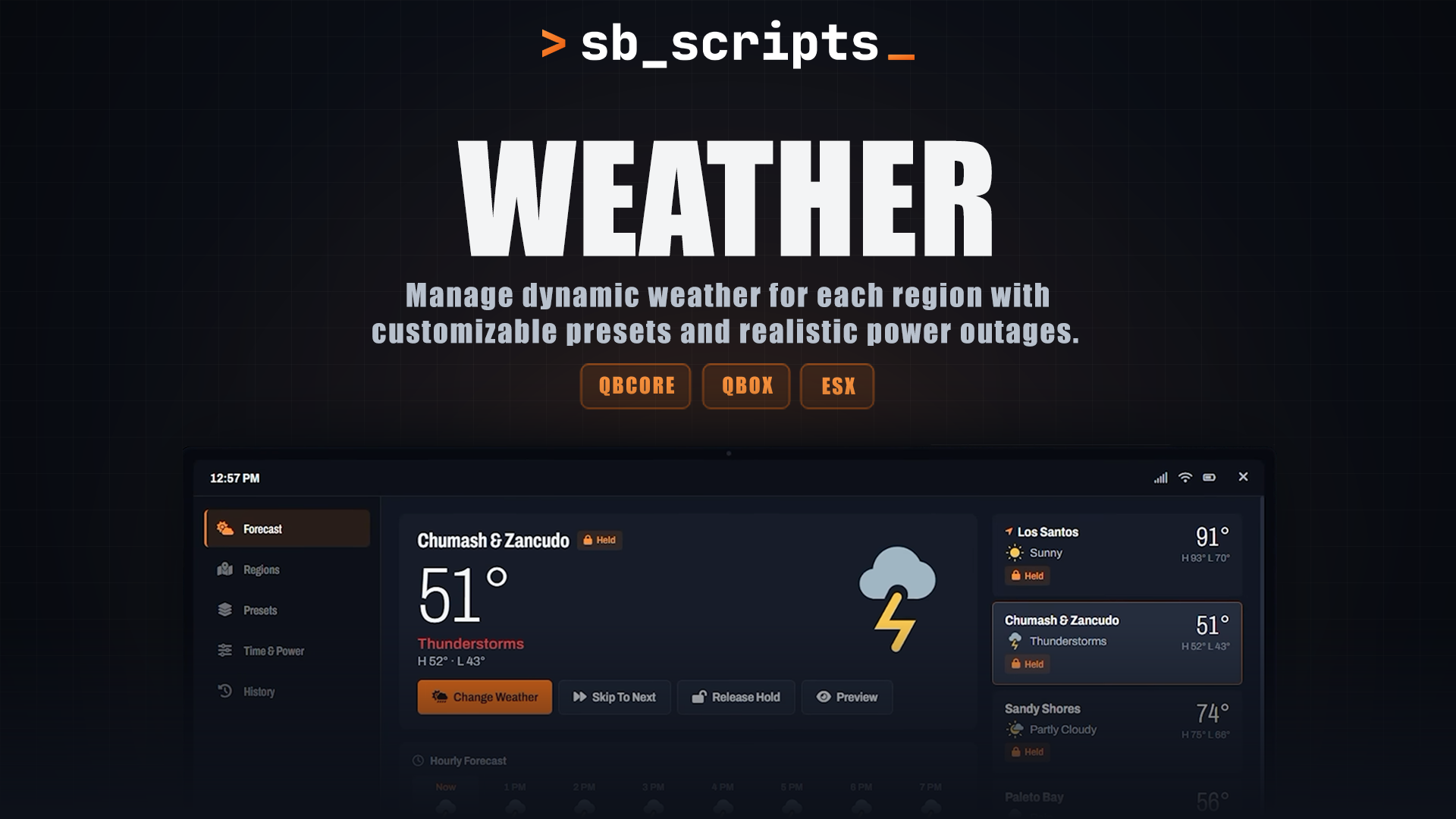

SB Weather
A weather and time sync script that gives each area of your map its own weather. Set it up once, tweak it from an in game admin tablet and let it run without costing your server performance.
Features
01 Region weather
Los Santos, Paleto Bay, Sandy Shores and the rest of the map can each have their own weather. Players see the change as they move between areas.
02 Weather cycles and presets
Each region comes with a preset cycle. Choose which weather types each region can use, or save your own presets for quick switching.
03 Admin tablet
Open the admin tablet with a command or your own key. Change weather and time, set presets and manage blackouts. Changes update the panel smoothly without refreshing the whole thing.
04 Storm blackouts
Thunderstorms can cause power outages. You decide how likely they are, how often they are checked and how long they last. A restore power button is there if you need to fix things fast.
05 Player widget
Players can turn on a small widget with /sbweather. They can move it to any corner, resize it and choose whether it shows the time and temperature in degrees or as weather icons.
06 Smooth or instant changes
Choose whether weather and time changes happen instantly or fade in gently. Players only get notifications if they turn them on in their own settings.
07 Exports for your scripts
Freeze the weather or change the time from your own scripts, for example when a player enters an MLO.
No extra setup needed
SB Weather answers the default qb-weathersync exports, so scripts that already call them keep working without changes.
Qbox and ESX users get the same export support, so you don't need to edit your other resources to work with SB Weather.
Just start the resource and your existing scripts should pick it up.
Compatibility
Frameworks